

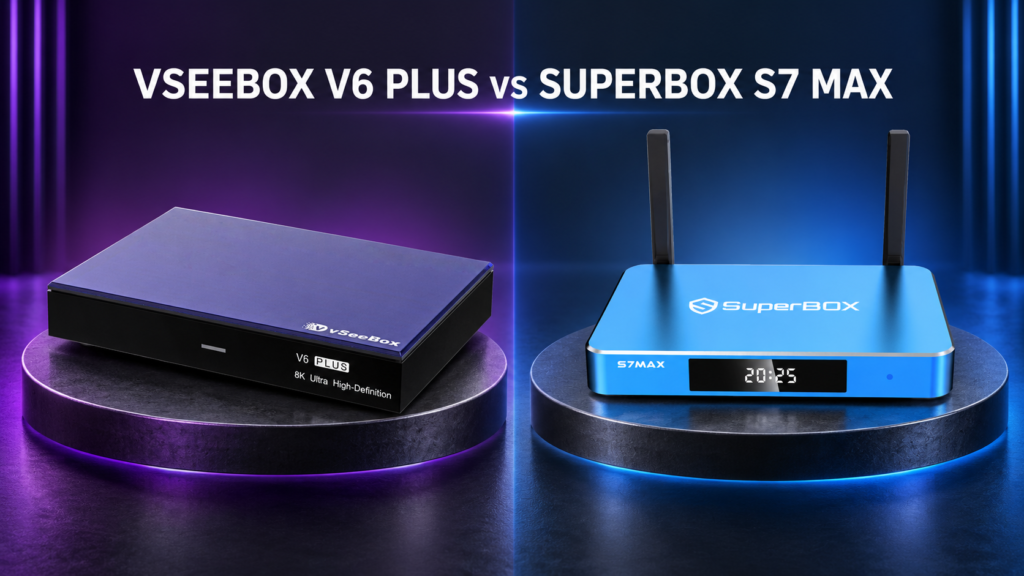
The VSeeBox V6 Plus and SuperBox S7 Max look like close competitors on a specification sheet. Both list 4GB of RAM, 64GB of eMMC storage, dual-band Wi-Fi 6, and a Mali-G31 MP2 GPU. Either one is designed to sit beside a modern television and handle everyday apps, local media, and online video playback.
Their priorities are not identical, though. The VSeeBox V6 Plus pairs Android 14 with an Amlogic 905Y5 processor and newer Cortex-A55 CPU cores. The SuperBox S7 Max uses Android 12 and Cortex-A53 cores, but counters with explicitly listed gigabit Ethernet, Bluetooth 5.2, USB-C connectivity, and a metal enclosure.
There is no honest universal winner from those numbers alone. The better choice depends on whether processor generation, video flexibility, wired networking, or physical connectivity matters more. This comparison uses published hardware information, not invented benchmarks or claimed hands-on testing.
VSeeBox V6 Plus vs SuperBox S7 Max: Quick Comparison
| Feature | VSeeBox V6 Plus | SuperBox S7 Max |
|---|---|---|
| Listed operating system | Android 14 | Android 12 |
| Processor | Amlogic 905Y5; quad-core Cortex-A55 | Quad-core Cortex-A53 |
| GPU | Mali-G31 MP2 | Mali-G31 MP2 |
| RAM | 4GB | 4GB |
| Internal storage | 64GB eMMC | 64GB eMMC |
| Published video support | AV1, VP9, H.264 and H.265 10-bit HDR decoding up to 8K at 60fps | H.265 decoding up to 6K at 60fps |
| Wireless networking | Dual-band Wi-Fi 6 | Dual-band Wi-Fi 6 |
| Ethernet | 10/100Mbps adaptive Ethernet | 1000Mbps Ethernet |
| Bluetooth | 5.0 | 5.2 |
| Published USB connections | One USB 2.0 and one USB 3.0 | USB 3.0 plus USB-C described on the product page |
| Remote | Backlit voice remote | Voice-command remote |
Specifications can change between production revisions. Confirm any feature essential to a particular television, accessory, or network before ordering.
The Similarities Are Meaningful
Both devices provide 4GB of working memory and 64GB of internal storage. That is a balanced configuration for a media box: the RAM gives Android and active apps room to operate, while the storage provides space for the system, updates, installed apps, caches, and legitimate local files.
They also share Wi-Fi 6 support and the same listed Mali-G31 MP2 GPU. For a customer using either box over a compatible wireless network, router placement and signal quality may make a larger day-to-day difference than the brand name printed on the case.
Equal RAM and storage do not guarantee equal speed. CPU configuration, storage performance, thermals, firmware, and apps also affect responsiveness. Still, the shared 4GB/64GB configuration makes this a direct comparison.
Processor and Operating System: The V6 Plus Has the Newer Combination
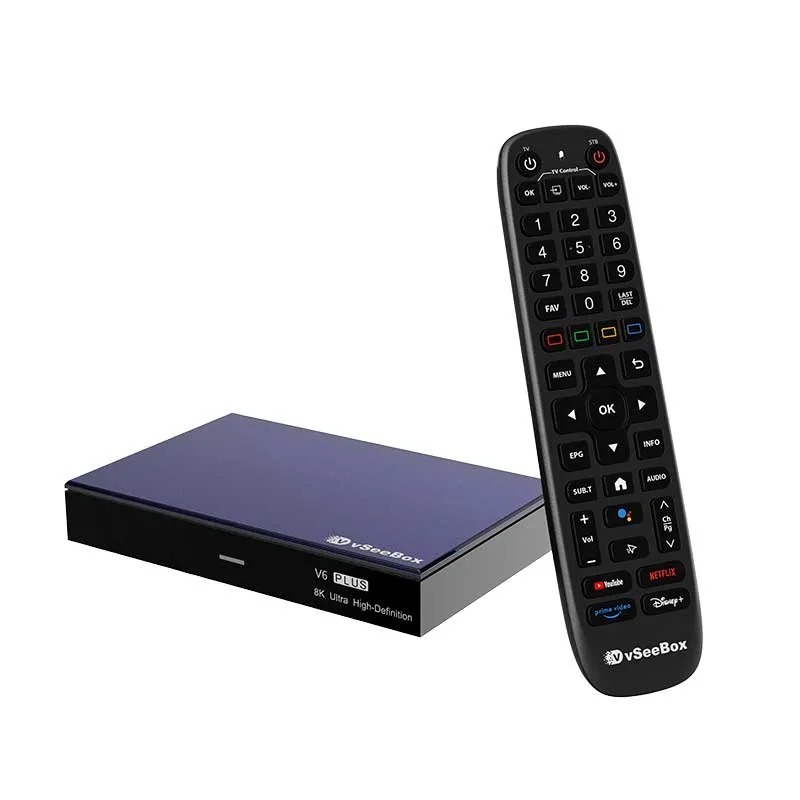
EZ Stream Store lists the VSeeBox V6 Plus with an Amlogic 905Y5 chip containing four Cortex-A55 CPU cores. The SuperBox S7 Max is listed with four Cortex-A53 cores. Arm positions the Cortex-A55 as a later design with improvements over its predecessor, so the V6 Plus has the architectural advantage on paper.
That wording matters. CPU generation is not a complete benchmark, and the published pages lack enough comparable information about clock speeds, storage, thermals, and software optimization to calculate an exact performance difference.
The operating-system listings point in the same direction: Android 14 on the V6 Plus and Android 12 on the S7 Max. A newer Android version can matter for platform features and app compatibility, but the version number should still be considered alongside the manufacturer’s firmware quality and update support. “Newer” is useful information; it is not automatic proof that every task will run better.
For customers who place the highest value on the newer CPU architecture and newer listed Android version, the V6 Plus makes the stronger specification-sheet case.
Video Support: Look Past the Largest Resolution Number
The VSeeBox V6 Plus has the broader published decoding list. Its specification table names AV1, VP9, H.264, and H.265 with 10-bit HDR decoding up to 8K at 60fps. The SuperBox S7 Max table specifically advertises H.265 decoding up to 6K at 60fps.
This does not mean the S7 Max supports only one media format; it means H.265 is the format expressly confirmed on its current published table. Unsupported assumptions should not be added to a comparison.
The V6 Plus is the more attractive option if broad, explicitly documented codec support or an 8K-capable video pipeline is important. For a household with a 4K television, however, both products already advertise a resolution ceiling beyond the display’s native pixel count. A 6K or 8K label cannot add detail that is absent from the source file, and it does not turn a 4K panel into an 8K television.
TV compatibility, source quality, HDR support, and the HDMI chain still affect the picture. Maximum decoding capability is not a promise that every video will look different.
Networking: The S7 Max Has the Clearer Wired Advantage
Both boxes support dual-band Wi-Fi 6. When paired with a compatible router and a strong signal, either can use modern wireless networking for online video, app downloads, and general browsing. Wi-Fi performance will still depend on distance, walls, interference, router quality, and the internet connection itself.
The more obvious difference appears at the Ethernet port. EZ Stream Store lists the VSeeBox V6 Plus with adaptive 10/100Mbps Ethernet, while the SuperBox S7 Max lists 1000Mbps Ethernet.
That gives the S7 Max substantially more rated wired-network capacity. The extra headroom is most relevant for fast transfers across a home network, high-bitrate local media, or customers who simply want the faster physical connection available. Actual throughput will remain lower than the port’s headline rating and depends on the router, cable, server, and files being transferred.
The V6 Plus can still provide a stable wired alternative to Wi-Fi. A household using Wi-Fi may never notice the port difference. If gigabit Ethernet is required, the S7 Max is the straightforward choice.
Ports, Remote, and Physical Design
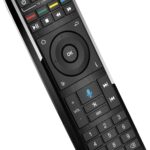
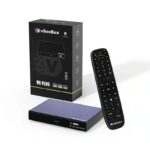
The VSeeBox V6 Plus lists one USB 3.0 port and one USB 2.0 port. Its backlit voice remote is useful in a dim room, and the product also advertises split-screen.
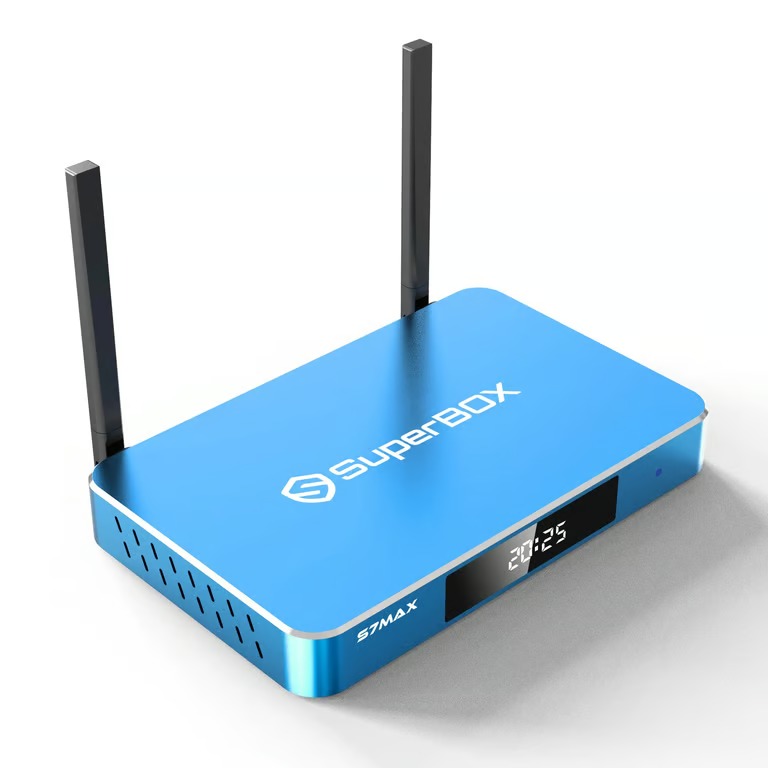
The SuperBox S7 Max takes a different approach to connections. Its published description identifies USB 3.0 and USB-C ports, along with a Type-C power connection. That may be more convenient for a household already using newer USB-C accessories and cables, although compatibility and power requirements should always be checked before connecting third-party hardware.
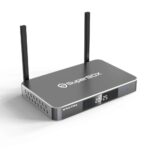
SuperBox describes the S7 Max with a blue metal housing and ventilation openings on both sides. The package includes a voice-command remote, but the current EZ Stream Store specification does not need to be stretched into an unsupported claim about every remote feature.
These details are easy to overlook because they do not produce a dramatic benchmark number. In regular use, a visible remote at night or the correct port for an accessory can matter more than a theoretical feature that is rarely used.
Which Model Is the Better Fit?
The VSeeBox V6 Plus is the more logical choice when the priorities are:
- The newer listed Android 14 operating system
- Amlogic 905Y5 hardware with Cortex-A55 CPU cores
- Broader explicitly listed video-codec support
- Video decoding and output support up to 8K at 60fps
- A backlit voice remote
- One USB 3.0 and one USB 2.0 connection
The SuperBox S7 Max deserves the stronger look when the priorities are:
- 1000Mbps Ethernet for a faster wired home-network connection
- Bluetooth 5.2
- USB-C alongside USB 3.0
- Type-C power connectivity
- A ventilated metal enclosure
- SuperBox hardware with published H.265 decoding up to 6K at 60fps
Neither list means “better at everything.” A Wi-Fi user with a 4K television may prefer the V6 Plus processor and remote. Someone with Ethernet beside the TV and USB-C accessories may favor the S7 Max.
How This Applies at EZ Stream Store
EZ Stream Store carries both the VSeeBox V6 Plus and the SuperBox S7 Max. Because they share the same listed RAM and storage capacity, the decision should come from the differences around those numbers.
Choose the V6 Plus for its newer processor architecture, Android 14 listing, wider documented codec support, higher stated video ceiling, and backlit remote. Choose the S7 Max when gigabit Ethernet, Bluetooth 5.2, USB-C, and its metal design are more useful to the actual setup.
That is the practical conclusion: the V6 Plus leads in several processing and video specifications, while the S7 Max has the more capable published wired-network connection and a different set of physical conveniences. The right one is the model whose strengths match the television, router, accessories, and everyday habits already in the home.